

For Everyone

The Crop Receipts Register allows users to view public information about issued Crop Receipts without authorization in the system. Users can familiarize themselves with information on the forms and territories covered by the obligations and can plan to work with them in the future.
A search in the Register can be performed using one or more of the following identifiers:
- Registered receipt number in the register
- Notarial form number
- Debtor information (EDRPOU/TIN/Passport or Name/Full Name)
- Land plot number according to the KOATUU directory
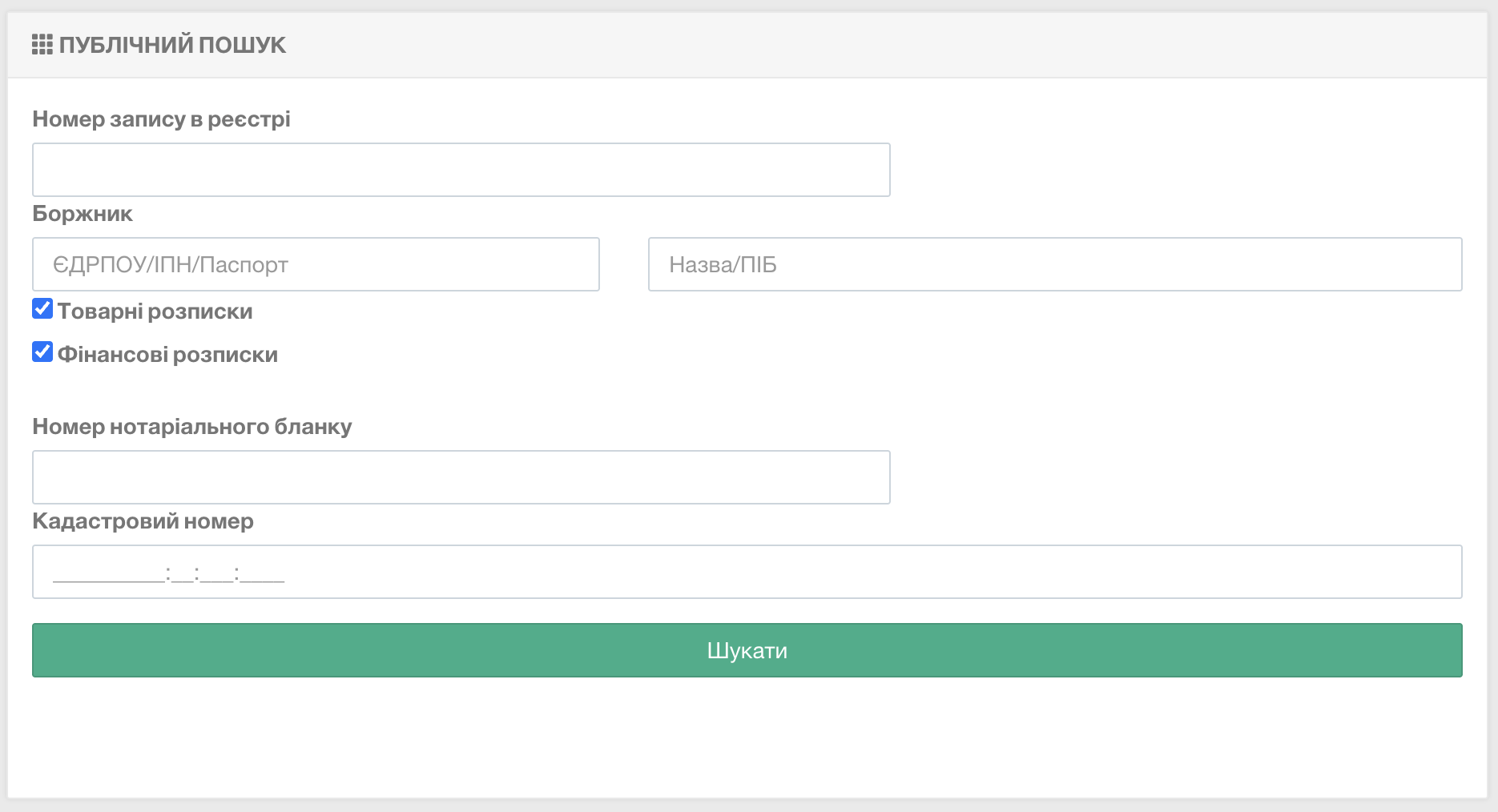
Fill in the appropriate fields and click the “Search” button. The search results will be displayed in a list below the form. To view receipt information, click on the panel in “View”.
If you plan to issue a crop receipt, you can download a preparatory file with an example of land plots or collateral registration for entry into the Register:
When creating a receipt, the notary imports the file you have filled out into the system on a batch basis, which significantly saves time on preparing the receipt for registration. On a batch basis, it is possible to import information about:
- Land plots
- Livestock collateral
- Goods collateral
The template filling algorithm for all types of objects follows a similar sequence of actions. Therefore, let’s consider the most common case —
For Notaries

The Crop Receipts Register enables generation of receipts, creation of extracts and certificates, and performing other actions with Crop Receipts.
Authorized user status can be granted to any notary operating in Ukraine.